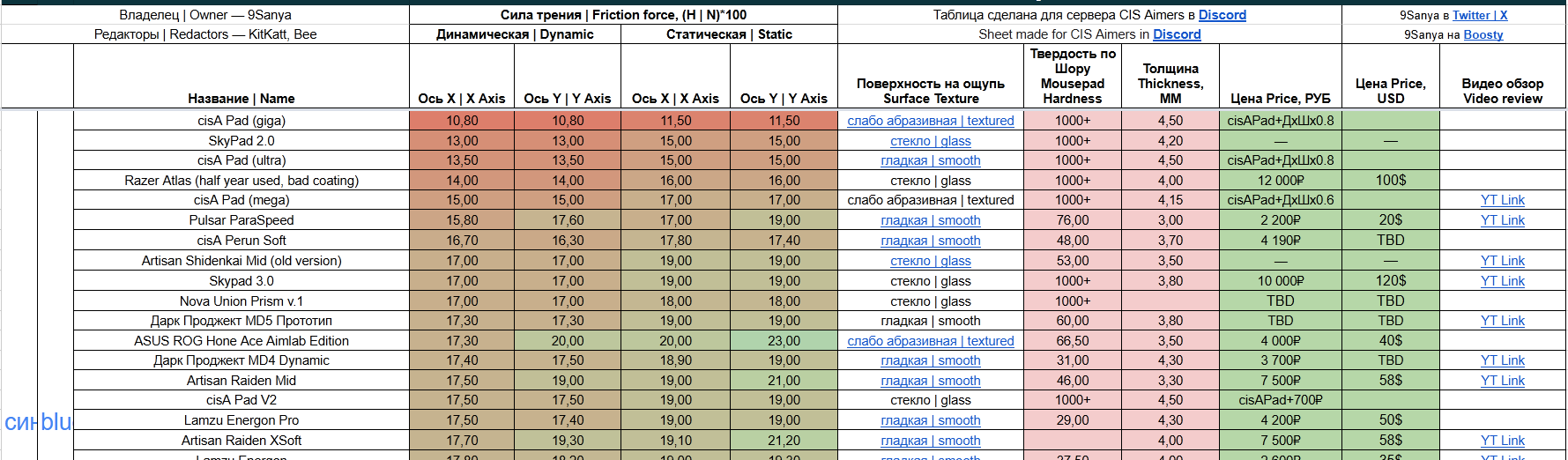
Tips for accurately explaining mousepad characteristics:
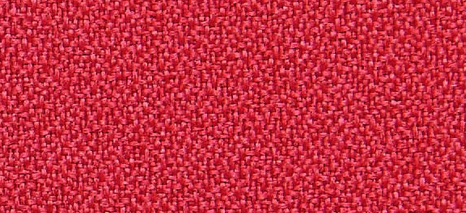
1. Surface Texture
- Abrasive / Medium Abrasive / Smooth
- Sandpaper-like or not
- How it interacts with skin and clothing sleeves
2. Friction Properties
Dynamic Friction (Glide):
- Resistance when the mouse is already in motion
- The lower it is, the easier the mouse glides after the initial movement
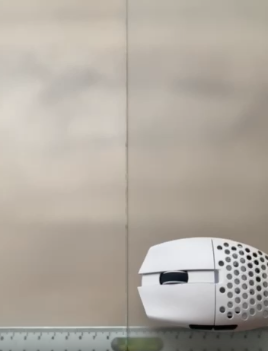
Static Friction (Stopping Power):
- Resistance at the moment you start moving the mouse
- The higher it is, the easier it is to stop the mouse precisely, but the harder it is to initiate movement
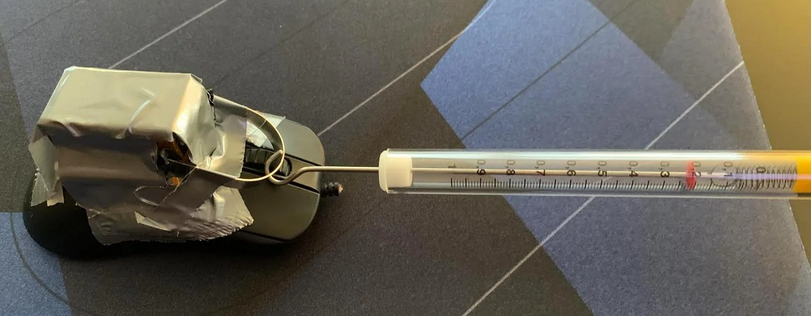
3. Glide Characteristics
- Mudpad Effect: High static + low dynamic friction == the mouse feels stuck at the start but glides smoothly afterward
- Consistent Glide: Minimal difference between static and dynamic friction
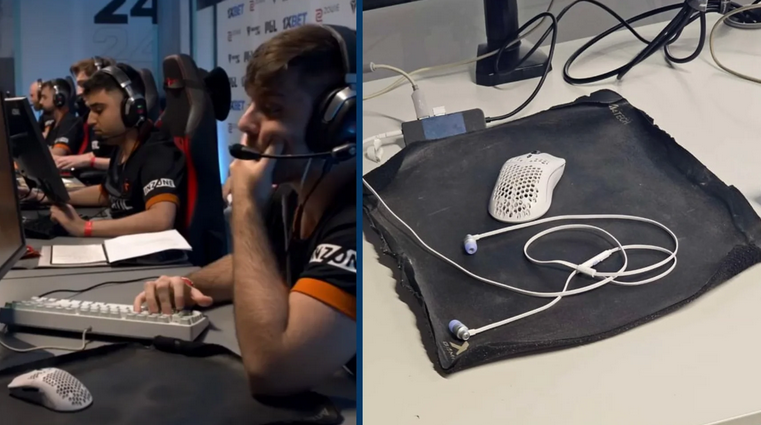
4. Speed Rating (Conventional)
- Control: High static and dynamic resistance, often a “mudpad,” but not always; the meta is often defined by static friction.
- Mid (Balanced): Moderate static and dynamic resistance, suitable for everything.
- Speed: Low resistance, heavy on tracking. You can play any game on any pad with enough skill and dedication; it’s primarily a question of average comfort.
5. X/Y Axis Consistency
- Is there a difference between left-right and up-down movement?
- Ideally, the X/Y ratio should be 1:1.
6. Durability & Maintenance
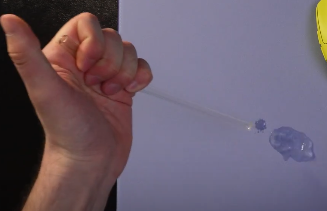
Moisture Resistance:
- A water absorption test usually indicates how quickly the pad will get dirty in general.
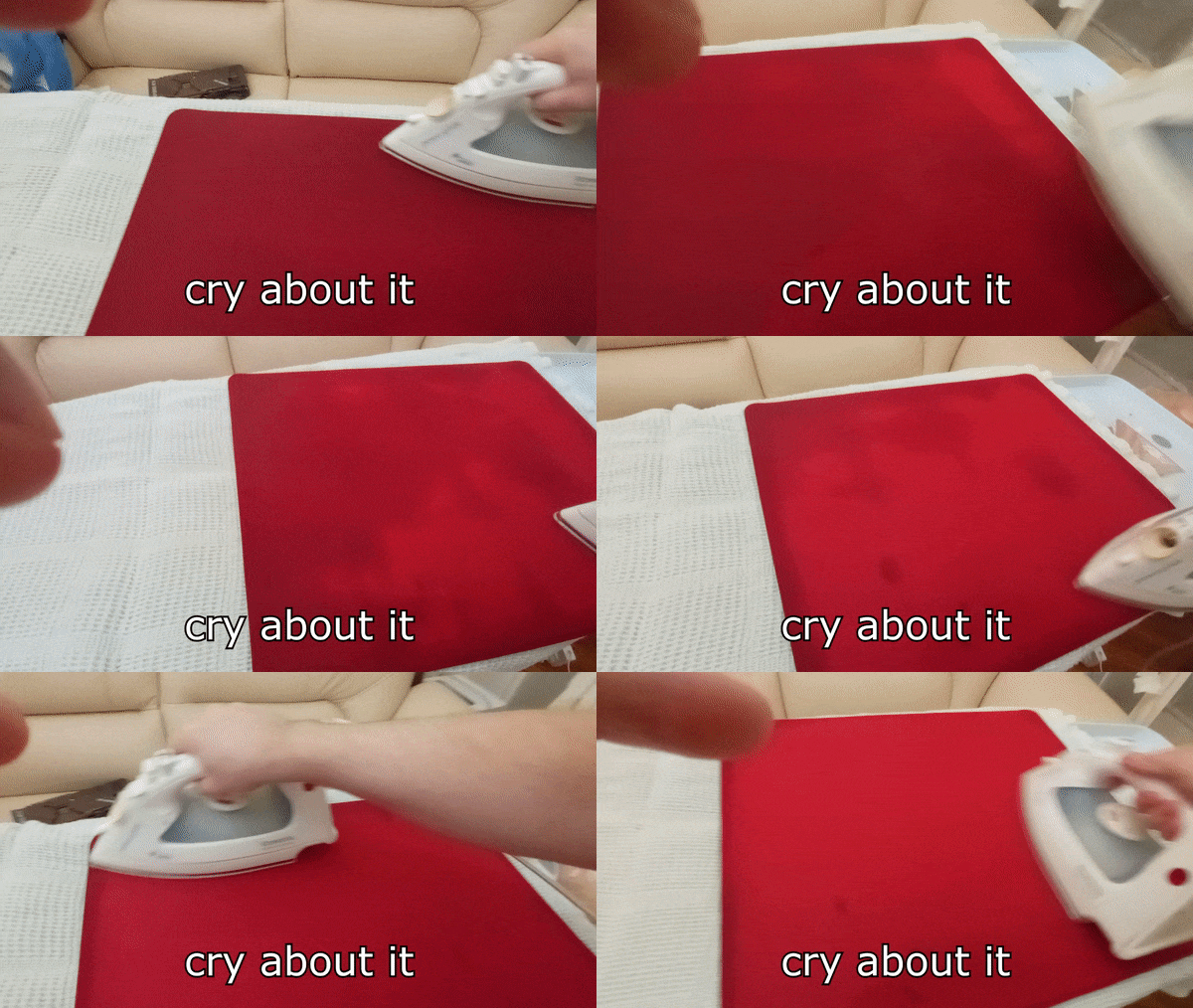
How to clean?
- Some pads are picky about the choice of cleaning products.
7. Base Construction
Firmness Level:
- X-Soft: Significant squish, can be pressed down almost to the desk.
- Soft: Noticeable, springy give.
- Mid: Firm support, almost no compression.
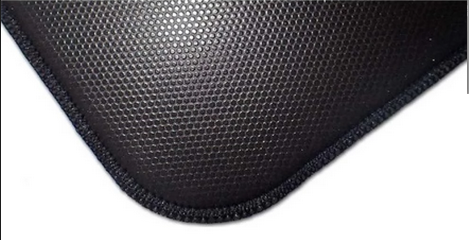
8. Surface Composition
- Weave type (Tight, Jacquard, Hybrid, Cordura, Textured)
- Material quality and stitching quality on the edges
- Base material and how well it grips the desk
9. Comparative Analysis
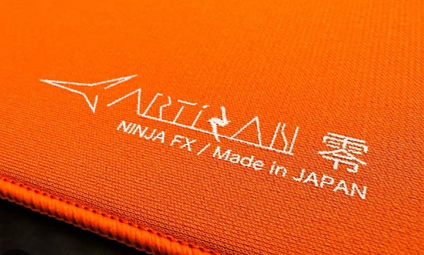
- Comparison with other popular models (Artisan, LGG, MGG, X-Raypad)
- Similarities in:
- Speed and glide characteristics
- Texture and tactile feel
- Overall user experience
- Example: “Similar to the Artisan Raiden, but a bit slower” or “Feels like the G-SR-SE, but not as muddy”
Additional Tips:
- Test with different mouse skates for a complete picture.
- It might be the case that:
- Skates A are faster on Pad X and slower on Pad Y.
- Skates B are faster on Pad Y and slower on Pad X.
- How the glide changes over time. Some pads break in after a week and feel different.
- What it’s best suited for (Arena shooters or tactical/angle-holding games. Better for Tracking, Switching, Click-timing, or Universal).
Good Example